 ®
®Buyer resources
Make the storage specification complete.
Start with your platform and how the storage will be used. Then work through capacity, compatibility and the components required for the full system.

Three details to get clear.
Capacity & usage
Distinguish the total installed drive capacity from the usable space your chosen configuration needs to provide. Include the intended workload.
Platform compatibility
Identify the existing hosts, controllers, interfaces and required drive or firmware details. Your IT team should confirm compatibility.
Complete configuration
Include expansion shelves, drives, carriers, connectivity, power supplies, rack hardware and any required software features.
A checklist for the conversation.
- Manufacturer / platform / part numbers
- Capacity targets and intended usage
- Hosts / connectivity / interface requirements
- Drives / controllers / expansion shelves
- Required accessories and software or licenses to confirm
- New, NOB, refurbished or used preference
- Delivery destination and timeframe
Plan for the equipment you are replacing.
If older storage is leaving service, include inventory, removal and data-handling requirements in the project discussion. Back up information you need and agree on sanitization before the handoff.
Explore asset recovery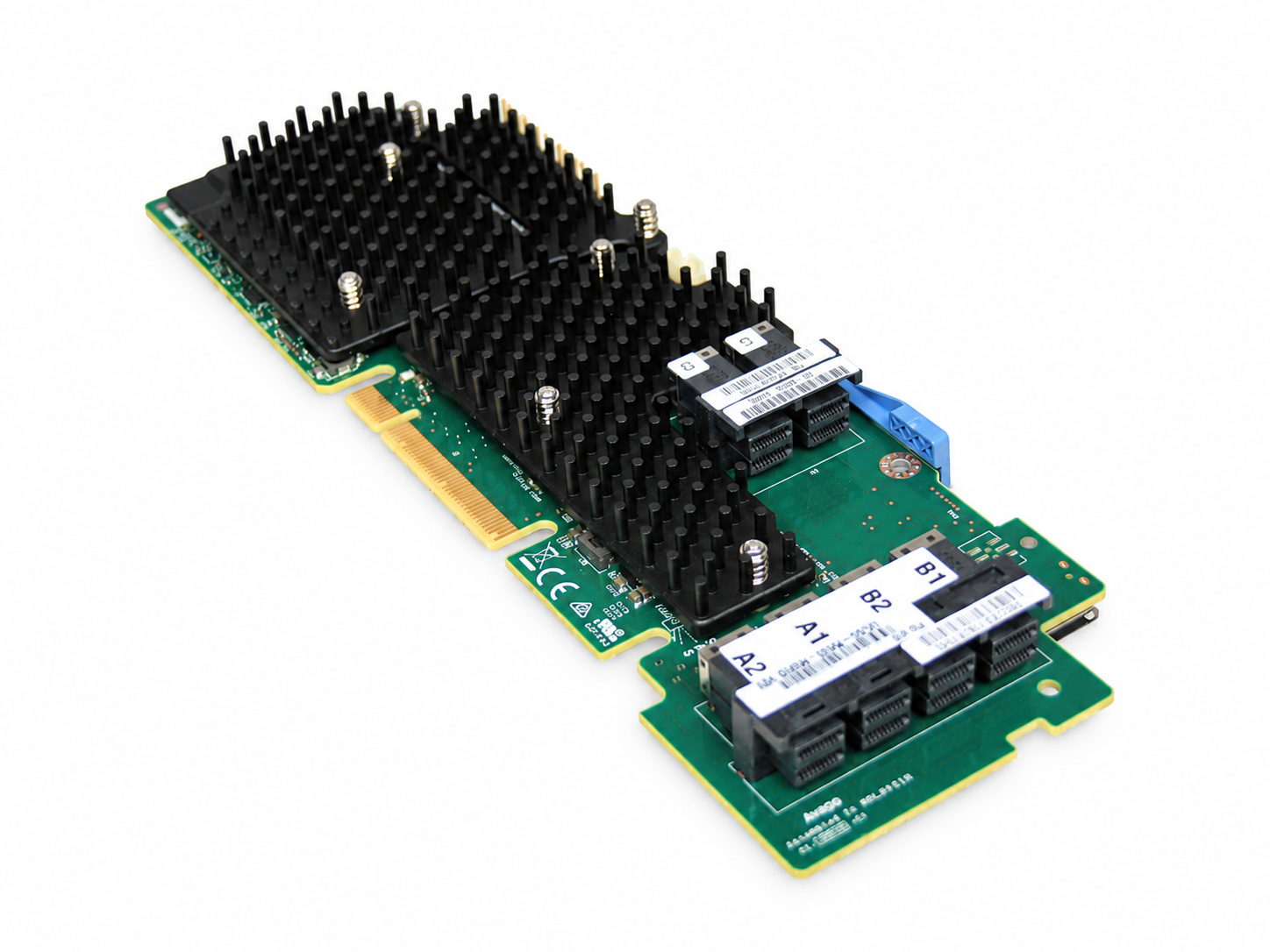
Include the controller requirements.
Specify the server or storage platform, drive interfaces and compatible controller requirements. Confirm configuration details with your IT team before ordering.
Send your storage requirements.
Discuss Dell, HPE, NetApp and IBM hardware with our team.